RSSum is a feed reader for Mac, iPad and iPhone.
One reader for RSS, Reddit, YouTube and podcasts.
Summarize a long article, a busy Reddit thread, an hour-long episode, or everything new in a feed at once, then ask follow-up questions. Use Apple's on-device models or connect your own AI provider.
Follow anything with a feed.
Each source gets its own reader. Summaries and questions work the same way in all four.
RSS
The articles you follow.
Follow publications in your reading list. Summarize articles and ask questions about what you read.
Explore the tutorialRead without losing your place.
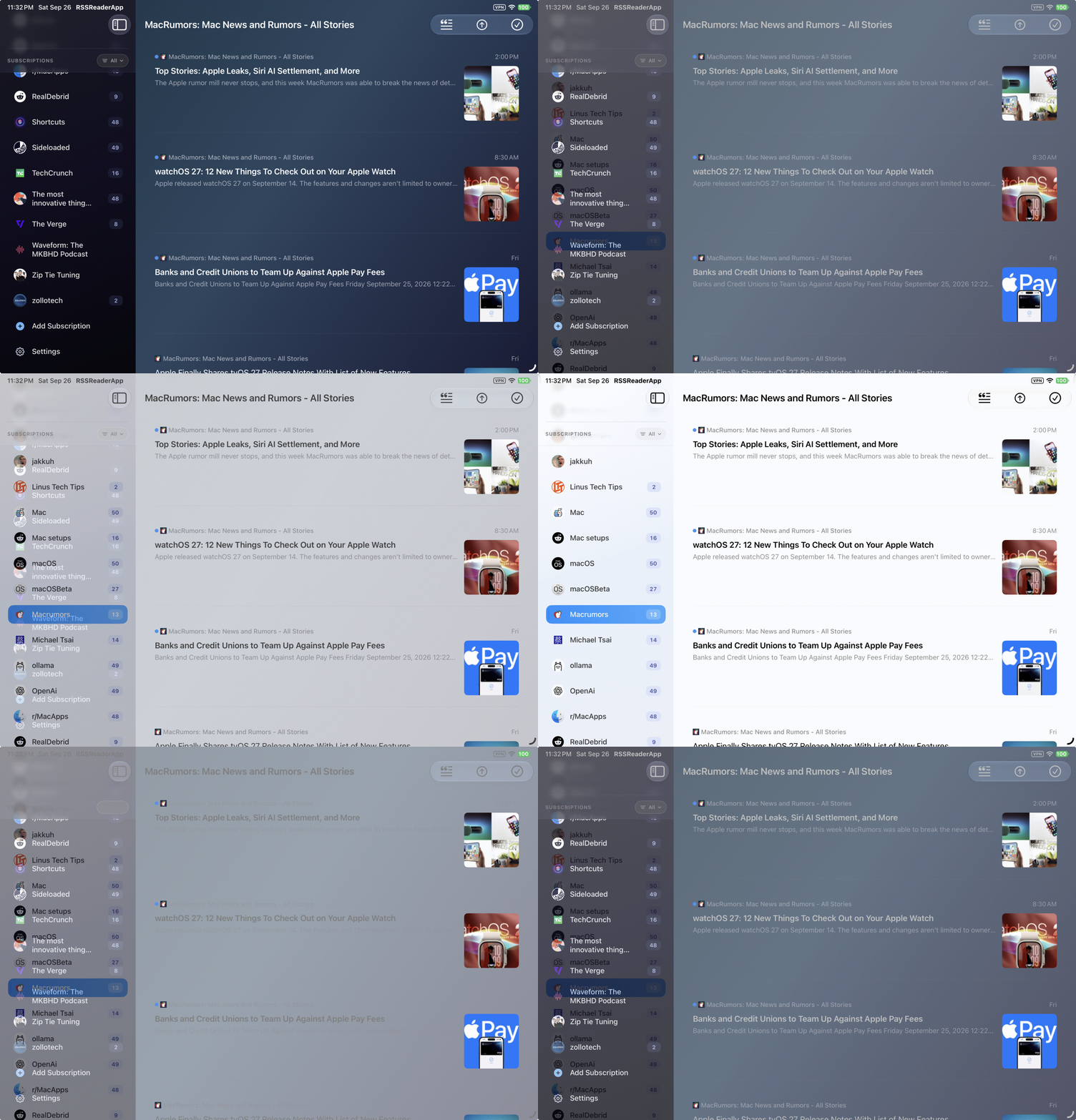
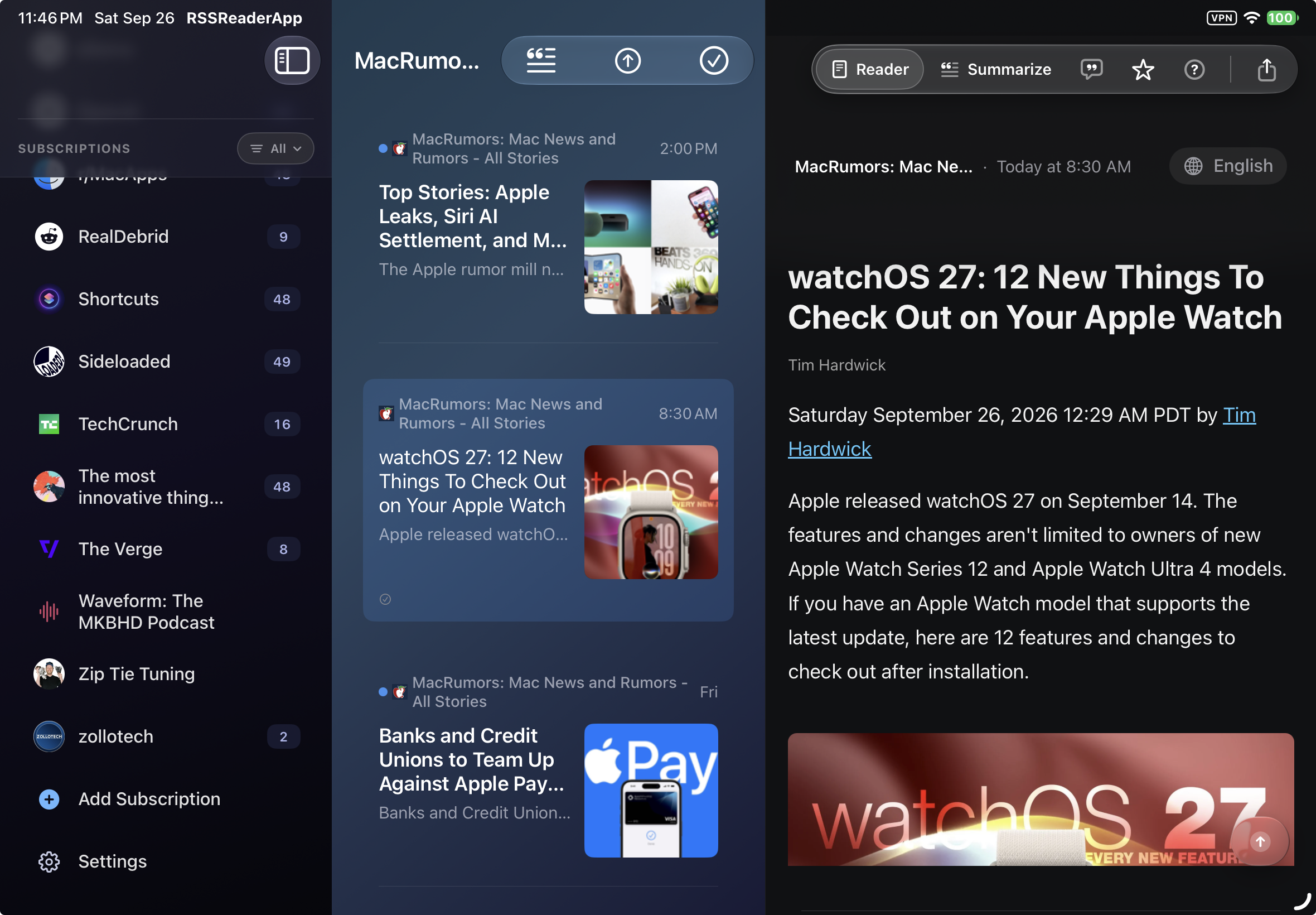
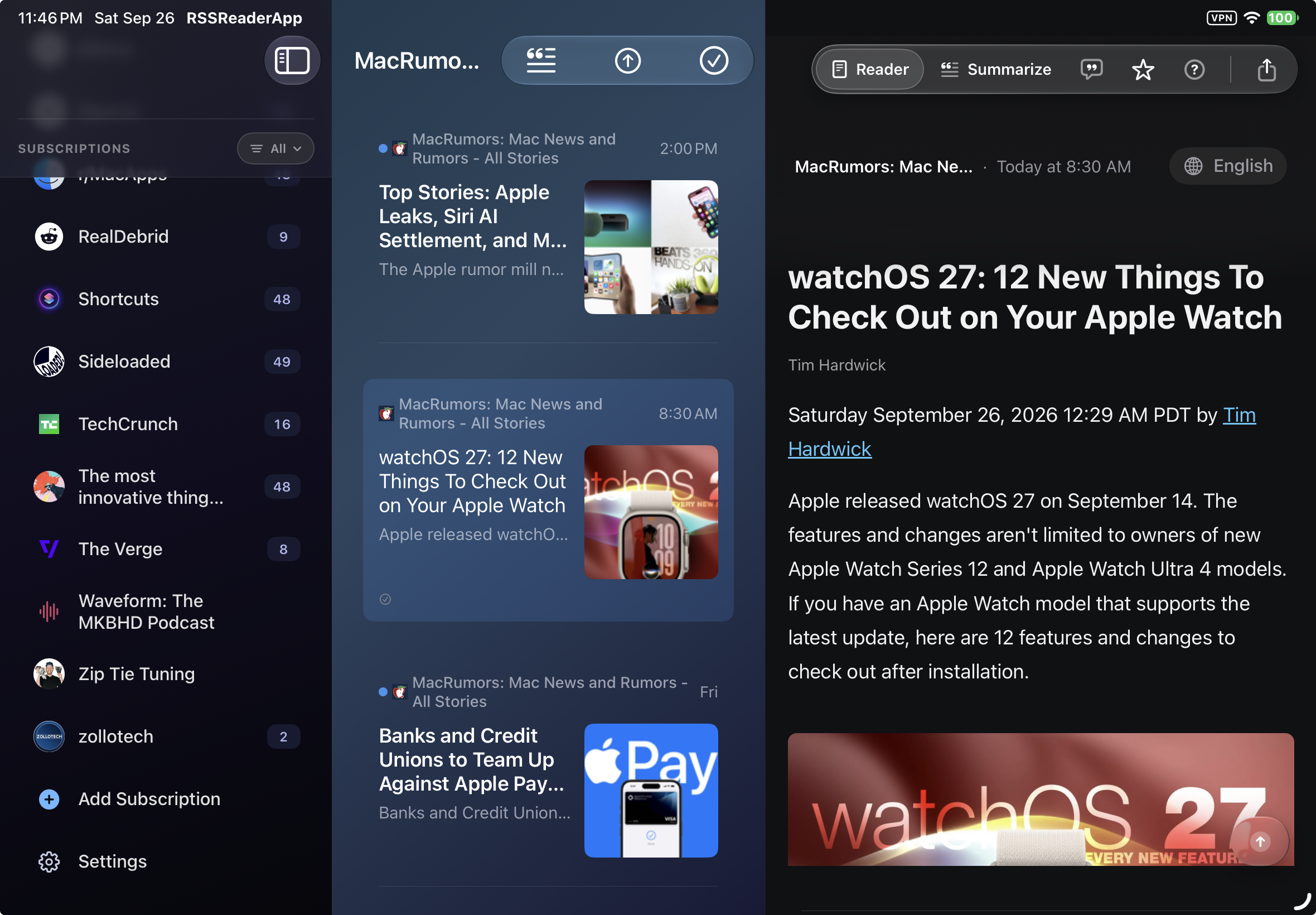
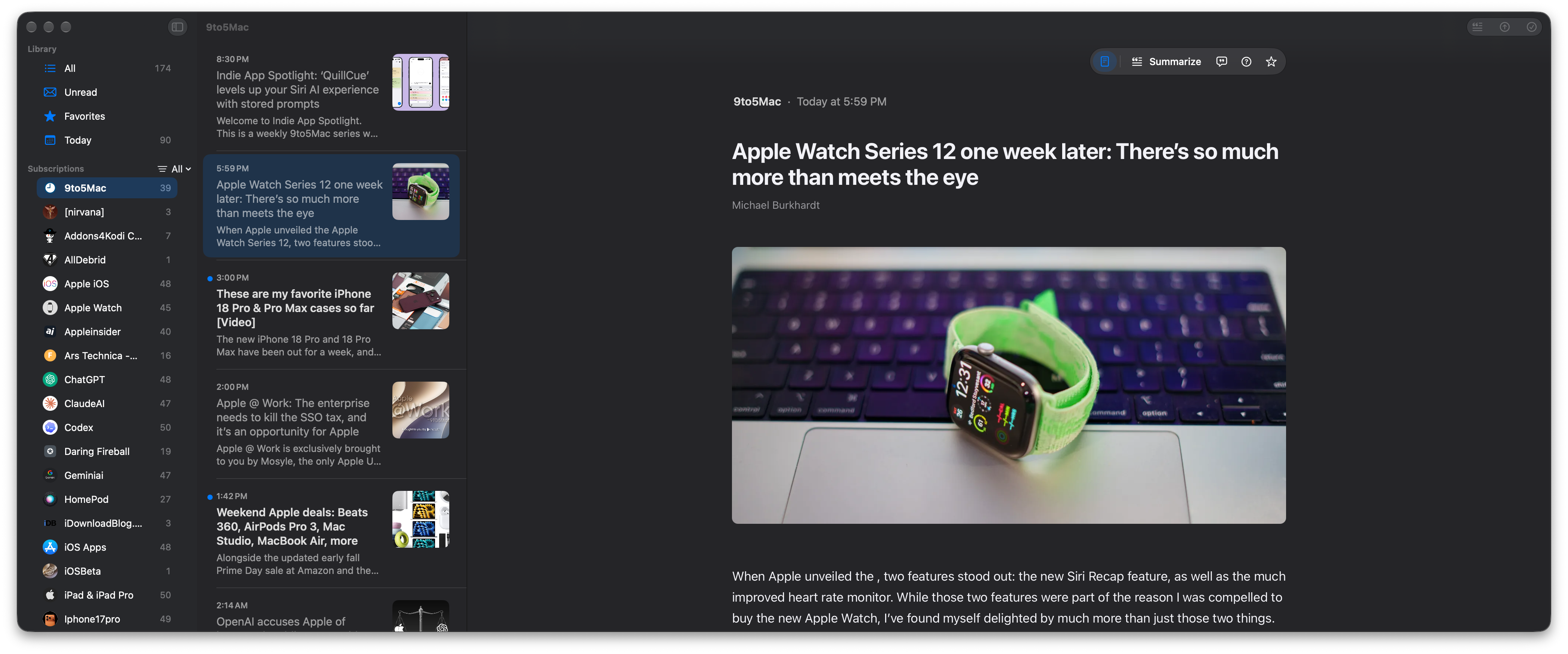
On iPad, your subscriptions, the article list and the article sit side by side, so you can move from story to story without going back. Hide the sidebar for two columns when you want more room to read.
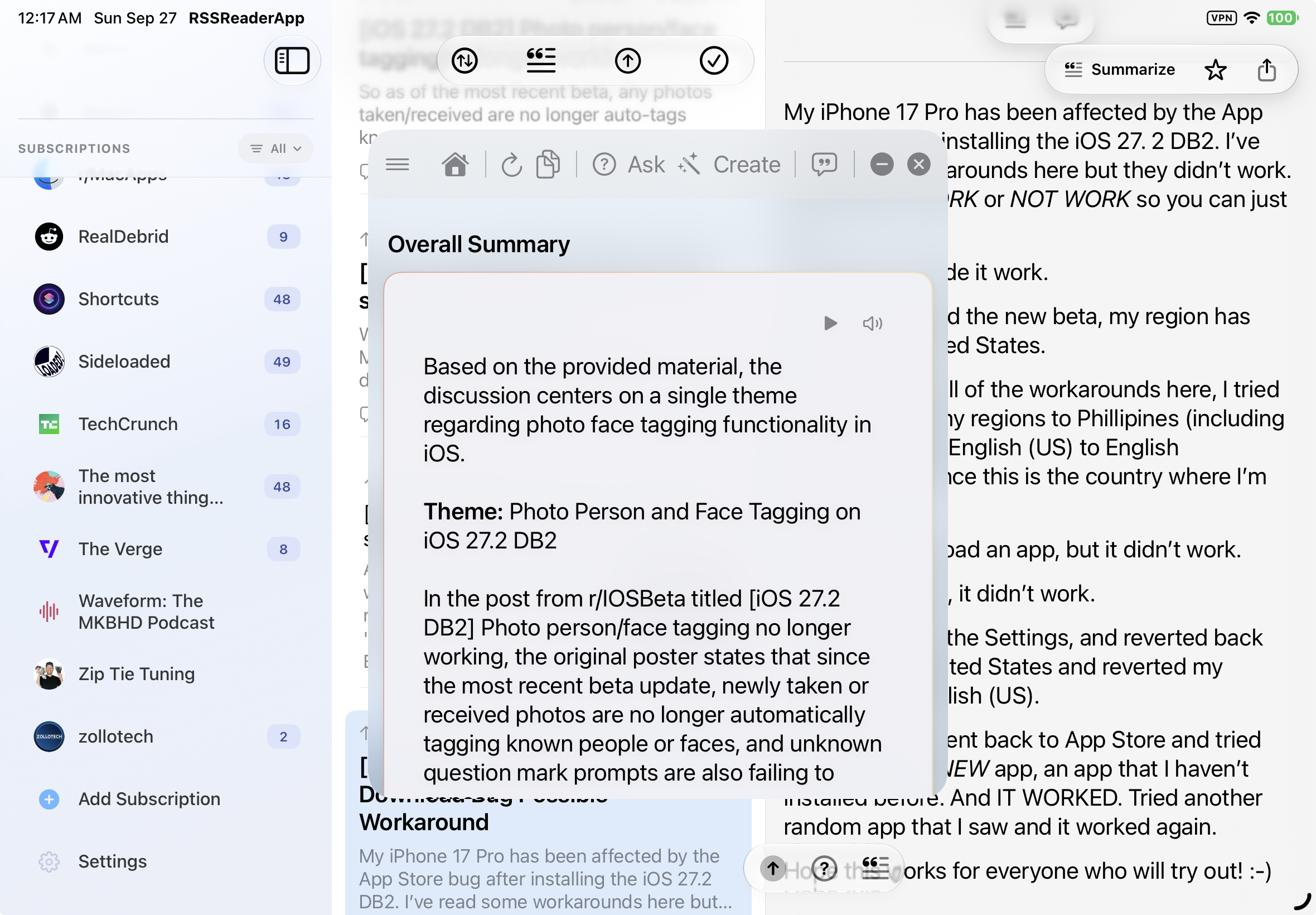
Catch up on a whole feed at once.
You don't have to open posts one by one. Summarize everything new from a site or a subreddit together, and RSSum writes one briefing: the main themes across all of them, with numbered references back to each post.
- Pick what to include: only the unread posts, or on Reddit the hot or top posts of the day or week, up to 50.
- Ask questions across the whole batch, not just one post.
- Turn the batch into an infographic you can save or share.
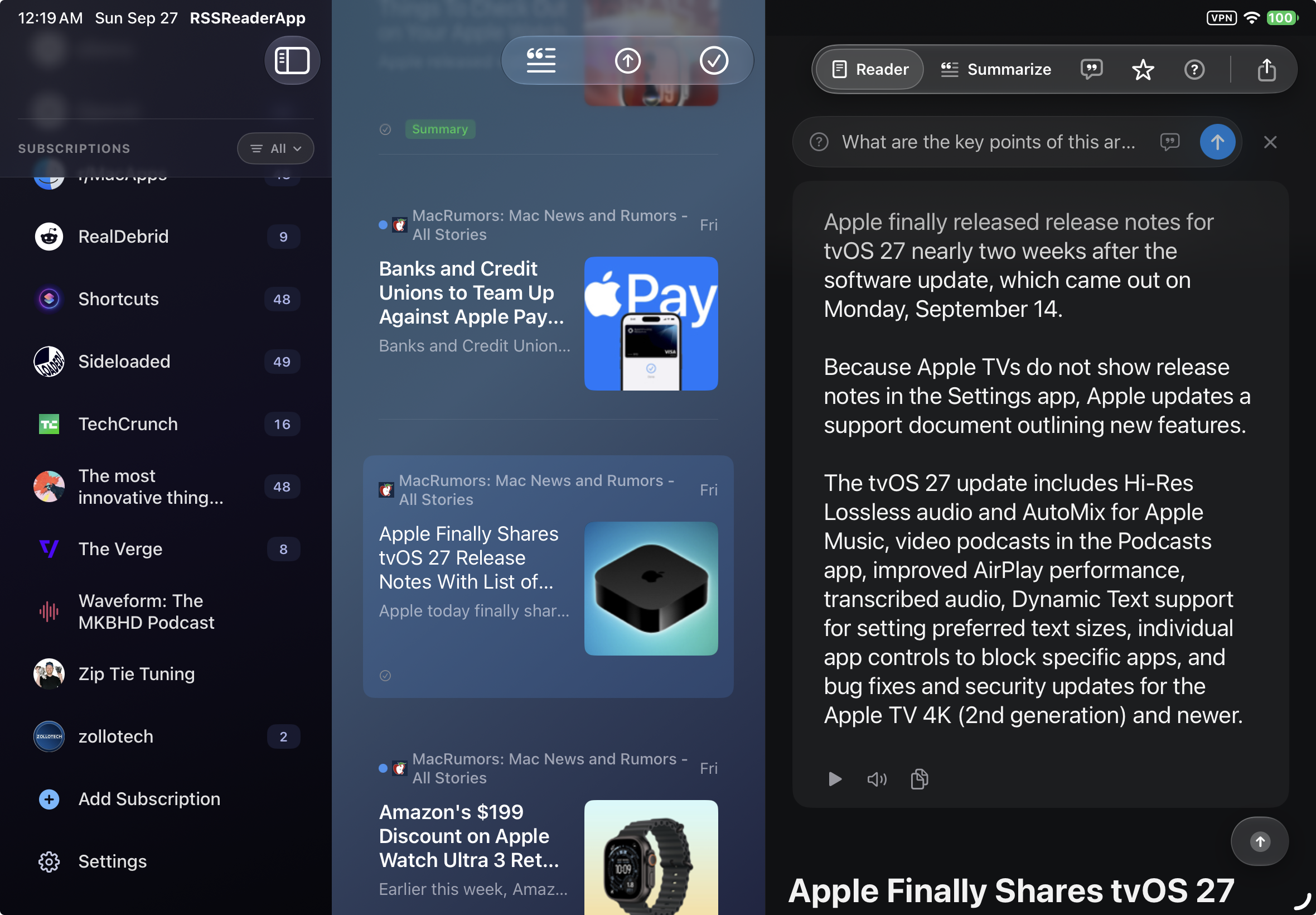
Ask about what you're reading.
Answers come from the article, thread or episode in front of you, so you can check them against the original right away. For example:
- What's actually new in this announcement?
- Where do the top commenters disagree?
- What did this week's episodes say about pricing?
Also in the app
Full feature list- Summaries of the whole thread
- Reddit summaries cover the comments, not only the post. Articles, videos and podcast episodes get the same treatment.
- Questions across feeds
- Ask about one article, a whole subscription, or what several of your feeds have in common.
- Transcripts made on device
- If a podcast episode has no transcript, RSSum creates one locally, then summarizes it.
- Your reading as a podcast
- Turn saved summaries into a two-host episode with local voices. It works offline.
- Read aloud
- Listen to articles and summaries with local voices or the OpenAI API.
- Your choice of model
- Apple's on-device models, or the AI provider you already use.
Your feeds stay on your device.
No tracking and no telemetry. With Apple's on-device models and local voices, nothing you read leaves your device. If you choose a cloud service instead, such as your own AI provider or OpenAI for read-aloud, the text you summarize, ask about or listen to is sent to that service. The code is on GitHub if you want to check.
See it in use
Step-by-step tutorialScreens from the app
Screenshots from RSSum on iPad, iPhone and Mac.
On iPhone
Getting started
Setup guide- Add your sources. Browse in the app and subscribe to feeds, subreddits, YouTube channels and podcasts.
- Pick an AI provider. Apple's on-device models, or an API key for the provider you prefer.
- Read, watch or listen. Open anything in your timeline and tap Summary for the short version.
- Ask and save. Ask follow-up questions, and favorite what you want to come back to.